Change email/phone number
To change the email associated with your Tie Player account you must:
1. Open the main menu by tapping the three lines (☰) in the upper-left corner.
2. Tap "Settings":
3. Select "Edit Profile":
4. Tap "Account Settings":
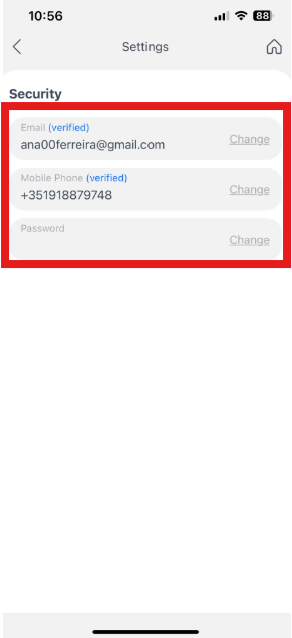
5. Choose "change" email:
6. Enter your new email address and current password, then tap “Confirm":