Buy Packs
1. Open the app and tap your profile picture in the upper-left corner:
2. Then select “Settings":
3. Tap "Payments":
4. Choose "Consumption Packs":
5. Select the club where you want "Buy Packs":
💡 Note: On this page, you can not only purchase new packs but also view your existing ones and check the respective classes/reservations available.
6. Select the pack, using the quantity you want to buy:
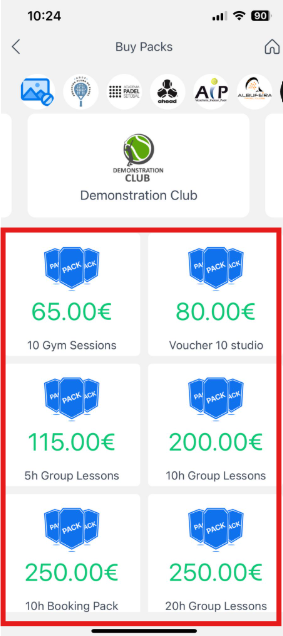
💡 Tip: If the desired club does not appear, swipe left until you find it.
7. Finally, tap "Pay":